
Schema Markup for Small Business: The SEO Advantage Your Competitors Are Missing
A practical guide to schema markup for small businesses — what it is, which types matter most, and how structured data helps you stand out in Google search results.
The SEO Tactic Hiding in Plain Sight
You have probably noticed that some Google search results look different from others. Some show star ratings. Some display FAQ dropdowns you can expand without clicking. Some show business hours, price ranges, or a list of services right in the search result.
These enhanced listings are called rich snippets, and they are powered by something called schema markup — structured data code embedded in your website that tells Google exactly what your business is, what you offer, and what your customers say about you.
Here is the surprising part: most small businesses have no schema markup at all. Even businesses that invest in SEO often skip structured data because it sounds too technical. This is a significant missed opportunity. Schema markup is one of the few SEO strategies where the implementation is straightforward, the results are measurable, and your competitors probably are not doing it.
What Schema Markup Actually Is
Schema markup is a standardized vocabulary (maintained by Schema.org, a collaboration between Google, Microsoft, Yahoo, and Yandex) that lets you describe your web content in a way search engines can parse unambiguously.
Think of it this way: when a human reads your homepage, they understand that "Open Monday through Friday, 8 AM to 5 PM" means your business hours. But a search engine is just reading text. Schema markup wraps that information in a structured format that explicitly tells Google, "This is the business hours data."
Without schema markup, Google's algorithms attempt to infer meaning from your page content. They are good at this, but inference is imperfect. Google might guess your business hours, your service area, or your pricing — or it might not.
With schema markup, you are providing a clear, machine-readable description of your business. No guessing. No inference errors. You are telling Google exactly what to know about you and what to display in search results.
The markup itself is invisible to visitors. It lives in your page's code as JSON-LD (JavaScript Object Notation for Linked Data), which is Google's recommended format. Visitors see your normal website. Google sees your normal website plus a structured data layer that enhances its understanding.
The Schema Types That Matter for Local Businesses
Schema.org defines hundreds of schema types, but most small businesses only need five or six to capture the majority of the benefit. Here are the types that deliver the most value for local and small business websites.
LocalBusiness Schema
This is the foundation. LocalBusiness schema tells Google your business name, physical address, phone number, website, operating hours, geographic service area, and business category. This information directly feeds into Google's Knowledge Panel, Maps integration, and local pack results.
What it includes:
- Business name and legal name
- Address with street, city, state, and zip code
- Phone number and contact information
- Operating hours with day-by-day specificity, including holiday variations
- Geographic coordinates (latitude/longitude)
- Service area for businesses that serve customers at their location rather than at a storefront
- Price range indicator
- Accepted payment methods
Why it matters: Businesses with complete LocalBusiness schema have a higher likelihood of appearing in the local 3-pack — the map results at the top of local search queries. This is some of the most valuable real estate in all of search because these results get clicked before organic listings.
Service Schema
Service schema describes each service your business offers in a structured format. For a home services company, this might include individual entries for plumbing, electrical, HVAC, and remodeling. For a restaurant, it might describe catering, private events, and delivery.
What it includes:
- Service name and description
- Service type category
- Provider (linked to your LocalBusiness schema)
- Area served
- Price range or specific pricing (optional but valuable)
- Availability and booking information
Why it matters: Service schema helps Google understand the full scope of what your business offers. When someone searches for "emergency plumber near me," Google can match that query not just to pages mentioning plumbing but to a business with structured data confirming that emergency plumbing is a specific service they provide.
FAQ Schema
FAQ schema marks up question-and-answer content on your pages. When Google picks up FAQ schema, it can display your questions and answers directly in search results as expandable dropdowns — taking up significantly more space on the results page.
What it includes:
- Question text — the actual question as a customer would ask it
- Answer text — a concise, helpful answer
Why it matters: FAQ rich snippets are one of the most visible schema-driven results. They push competitor results further down the page, increase your visual prominence, and often improve click-through rates by 15 to 25 percent. They also serve a dual purpose: the same content that triggers the rich snippet is valuable page content that answers real customer questions.
Best practice: Add 3 to 6 FAQs to your service pages and key landing pages. Use questions that your customers actually ask — pull them from your Google Business Profile Q&A section, customer emails, and phone call notes.
Review and AggregateRating Schema
Review schema displays star ratings and review snippets directly in search results. For local businesses, visible star ratings are one of the most powerful trust signals available in search.
What it includes:
- Individual reviews with author name, rating, and review text
- Aggregate rating with average score and total review count
Why it matters: A search result showing "4.8 stars from 127 reviews" immediately communicates credibility. Studies consistently show that results with star ratings get 20 to 30 percent more clicks than results without them. For a small business competing against larger companies, visible social proof in search results levels the playing field.
Important note: Google has strict guidelines about review schema. The reviews must be genuine, directly collected by your business (not pulled from third-party sites), and must reflect actual customer experiences. Fabricating reviews or misrepresenting ratings violates Google's structured data guidelines and can result in penalties.
Article Schema
If your business publishes blog content (and it should — see our guide on local SEO and AI content strategy), Article schema helps Google understand each post's topic, author, publication date, and category.
What it includes:
- Headline and description
- Author name and credentials
- Publication and modification dates
- Article category and keywords
- Featured image with dimensions
- Publisher information (linked to your Organization schema)
Why it matters: Article schema helps Google surface your blog content in relevant searches, especially for informational queries. It also supports Google News inclusion and enhances how your content appears in Discover feeds on mobile devices.
BreadcrumbList Schema
Breadcrumb schema describes the navigation hierarchy of your page. For a page at /services/plumbing/drain-cleaning, the breadcrumbs would show Home, Services, Plumbing, Drain Cleaning.
What it includes:
- Ordered list of page positions in the site hierarchy
- Name and URL for each level
Why it matters: Breadcrumb schema replaces the raw URL in search results with a readable navigation path. Instead of seeing yoursite.com/services/plumbing/drain-cleaning, searchers see Your Business > Services > Plumbing > Drain Cleaning. This looks more professional and gives users a better sense of your site structure before they click.
How Rich Snippets Impact Your Click-Through Rate
The practical benefit of schema markup is rich snippets — the enhanced search result displays that schema enables. Here is what the data shows:
- Results with rich snippets get 58 percent more clicks than standard results, according to a Search Engine Journal analysis
- FAQ rich snippets increase click-through rates by 15 to 25 percent on average
- Star ratings in results increase clicks by 20 to 30 percent
- Rich snippet results have lower bounce rates because users have a better understanding of what they will find before clicking
For a local business that gets 1,000 search impressions per month, improving your click-through rate from 3 percent to 5 percent means 20 additional website visitors per month — visitors who cost nothing because they came from organic search. Over a year, that is 240 additional free visitors, many of whom are high-intent prospects actively searching for your services.
Implementation Approaches
There are several ways to add schema markup to your website, depending on your platform and technical comfort level.
Manual JSON-LD Implementation
JSON-LD is Google's recommended format for schema markup. It is a script block that lives in the <head> or <body> of your HTML. For developers, this is the cleanest approach because it separates structured data from your visual content.
Best for: Custom-built websites, Next.js sites, and businesses that work with a developer. On a modern website built with a framework like Next.js, schema markup can be implemented as reusable components that automatically generate correct structured data for every page.
WordPress Plugins
If you are on WordPress, plugins like Yoast SEO, Rank Math, or Schema Pro can generate schema markup through their settings panels. This is the most accessible approach for non-technical users.
Best for: WordPress sites where adding code is not practical. Be aware that plugins sometimes generate incomplete or conflicting schema, so validation is important.
Google Tag Manager
You can inject JSON-LD schema through Google Tag Manager without modifying your site's code directly. This approach is useful if you do not have developer access to your website.
Best for: Situations where you need to add schema without touching the codebase, or when testing schema before implementing it permanently.
Whichever Approach You Use, Validate
After implementing schema markup, always validate it with these tools:
- Google Rich Results Test — shows which rich results your page is eligible for
- Schema Markup Validator (schema.org) — checks your markup against the Schema.org specification
- Google Search Console — reports errors and warnings about your structured data over time
Validation is not optional. Invalid schema markup is worse than no schema at all, because Google may flag your site for structured data errors, which can negatively affect your search performance.
Common Mistakes to Avoid
Marking up content that is not visible on the page. Google requires that schema markup describes content that visitors can actually see. Adding review schema for reviews that do not appear on your site violates their guidelines.
Using incorrect schema types. A common error is using Organization schema when LocalBusiness is more appropriate for a business with a physical location or service area. LocalBusiness is a more specific type that provides Google with more useful information.
Inconsistent information. If your schema says your hours are 9 to 5 but your website says 8 to 6, Google does not know which to trust. Schema data must match what visitors see on the page.
Marking up only the homepage. Schema should be on every relevant page. Your service pages need Service schema. Your blog posts need Article schema. Your FAQ sections need FAQ schema. A comprehensive approach delivers the best results.
Measuring the Impact
After implementing schema markup, track these metrics in Google Search Console:
- Rich result impressions — how often your enhanced listings appear
- Click-through rate changes — compare CTR before and after implementation
- Search appearance data — Google Search Console shows which rich result types you are earning
- Position changes — while schema is not a direct ranking factor, the improved CTR and user signals often lead to modest ranking improvements
Most businesses see their first rich snippets within 2 to 4 weeks of adding valid schema markup. The click-through rate improvements typically follow within 4 to 8 weeks as Google indexes and displays your enhanced results.
Start With What Matters Most
If you are starting from zero, here is the priority order:
- LocalBusiness schema on your homepage — this is your foundation
- Service schema on each service page
- FAQ schema on pages where you answer customer questions
- Review schema if you display genuine customer reviews
- Article schema on blog posts
- BreadcrumbList schema on all pages below the root level
You do not need to implement everything at once. Even adding LocalBusiness and FAQ schema alone can produce noticeable improvements in how your business appears in search results.
Need Help Implementing Schema Markup?
Schema markup is one of those improvements that delivers disproportionate value relative to the effort involved. Most small business websites can have comprehensive structured data implemented in a few hours, and the SEO benefits last as long as the markup stays on your site.
Our SEO and content team includes schema markup implementation as part of every project, and we can also add it to existing sites as a standalone service. We handle the technical implementation, validate everything against Google's guidelines, and monitor your Search Console for rich result performance. If you are building a new site, our web development team includes schema markup from day one — it is built into our development process, not bolted on as an afterthought.
Get in touch for a free structured data audit. We will check what markup your site currently has (if any), identify the opportunities you are missing, and give you a clear plan for implementation.
Get AI tips for your business
Join small business owners getting weekly insights on AI automation, chatbots, and growth strategies. No spam, unsubscribe anytime.
Related Articles
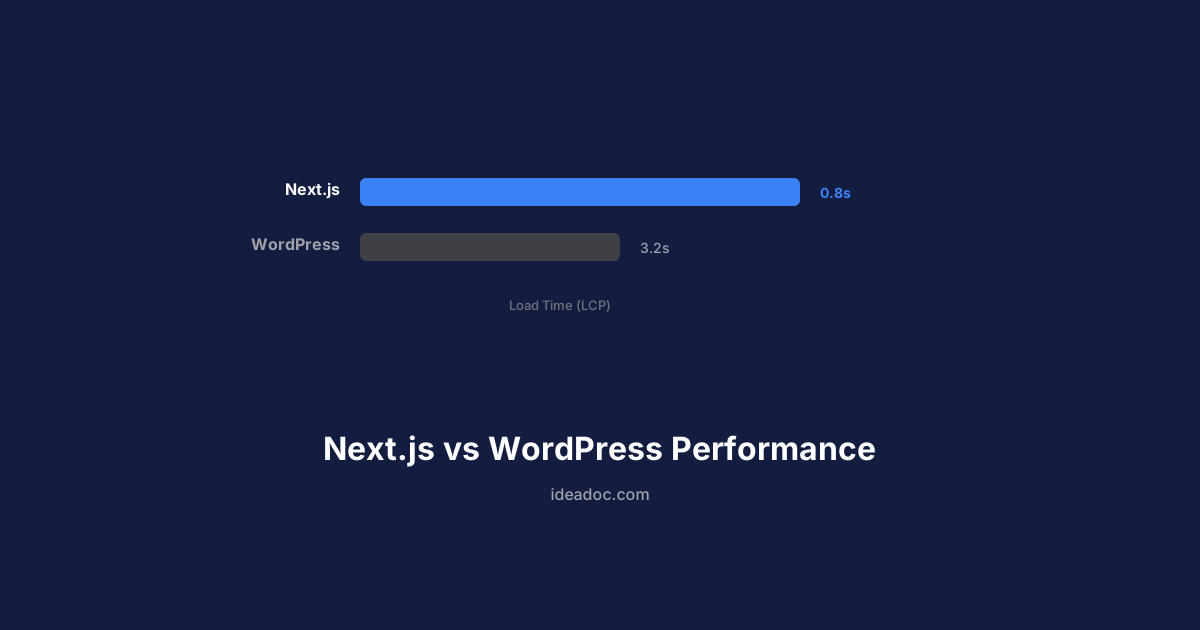
Next.js vs WordPress: Why Performance Matters for Small Business Websites
A practical comparison of Next.js and WordPress for small business websites — covering speed, SEO, security, and total cost of ownership.
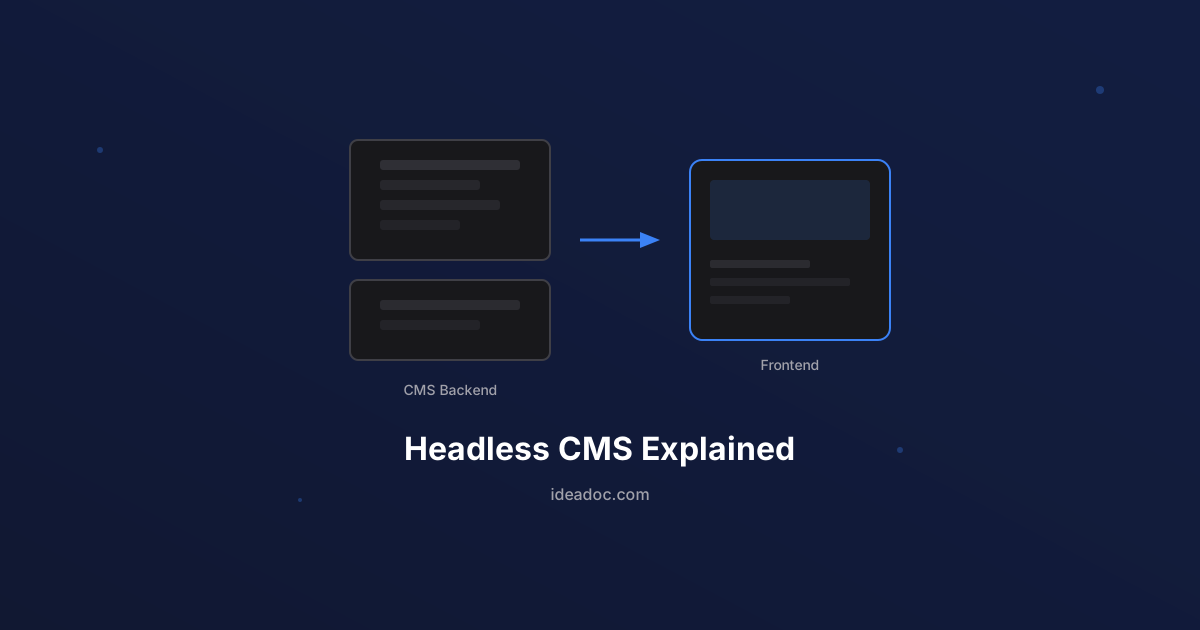
Headless CMS Explained: Why It Matters for Your Business Website
A plain-language guide to headless CMS architecture — what it is, how it differs from traditional WordPress, and when it makes sense for your business.
7 Website Mistakes That Are Costing Your Small Business Leads
The most common website mistakes small businesses make — and the practical fixes that turn your site from a digital brochure into a lead-generating machine.